6. You Don't Have to Go It Alone
Introducing the FlowDM Desk Analyst
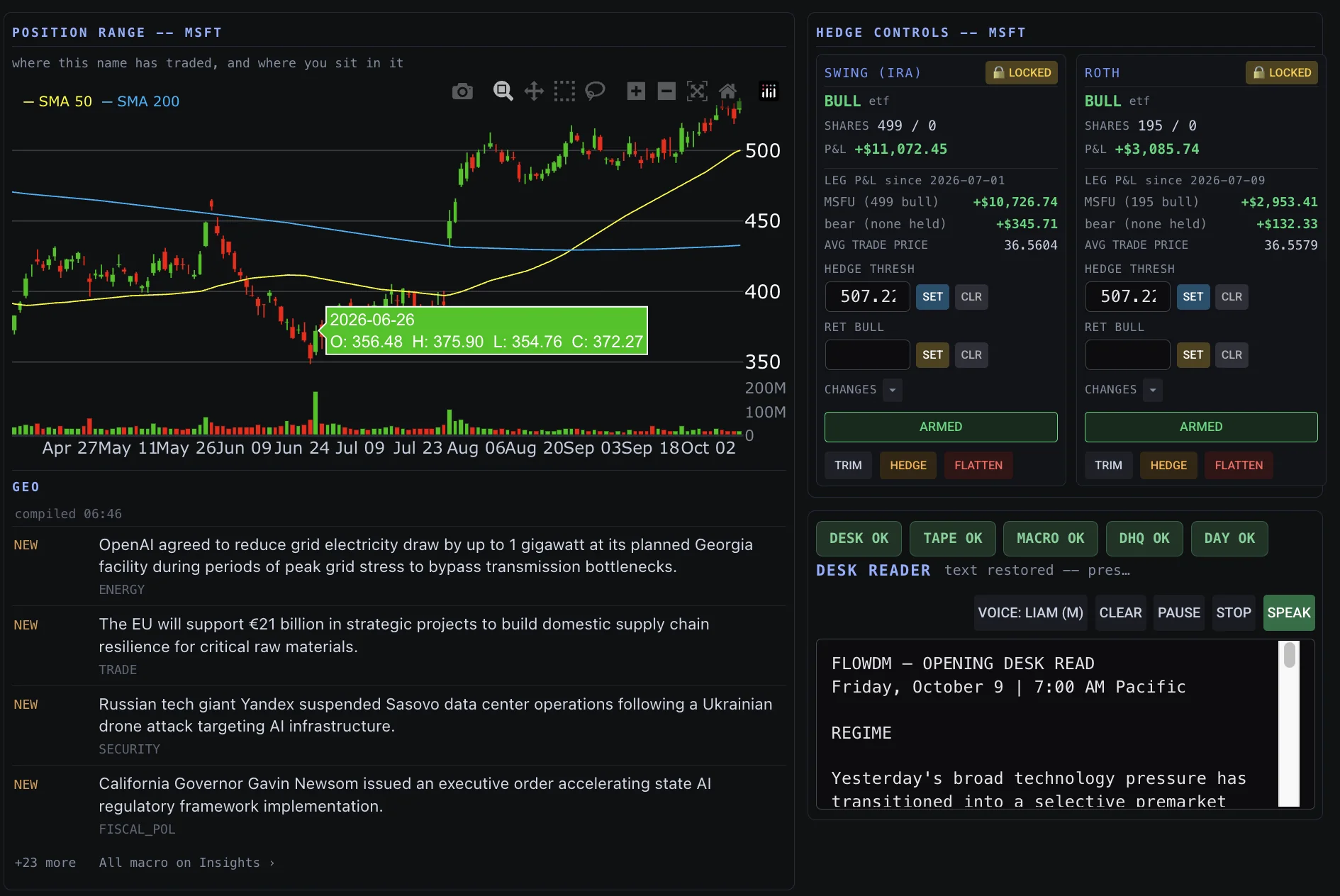
The tools provide several types of evidence. A FlowDM Desk Read brings that evidence into one structured analysis connected to the position you're managing.
You use a compatible AI model, or large language model (LLM), of your choosing. FlowDM compiles the market information; you provide it to your chosen model with the Desk Analyst instructions.
The analysis can help you examine relationships, conflicting evidence, and what remains uncertain.
What Goes Into a Desk Read?
Cross-Macro Conditions
Volatility, credit, the dollar, Treasury yields, oil, and /NQ Nasdaq-100 futures help establish whether the broader environment appears risk-on, risk-off, or mixed.
Options Positioning and Dealer Activity
The GEX Histogram supplies options-related price levels, estimated dealer positioning, and conditions that may contribute to price stability or acceleration.
Price Structure and Liquidity
Historical price ranges, tested support areas, and observable buying or selling activity help evaluate where the stock may be finding acceptance or encountering pressure.
News, Sentiment, and Geopolitical Developments
Company announcements, economic developments, geopolitical events, and prevailing market narratives provide additional context for the price action.
Your Current Position
Your entry, hedge status, protective threshold, and position-management objectives connect the analysis to the decisions you're considering.
From Market Information to a Desk Read
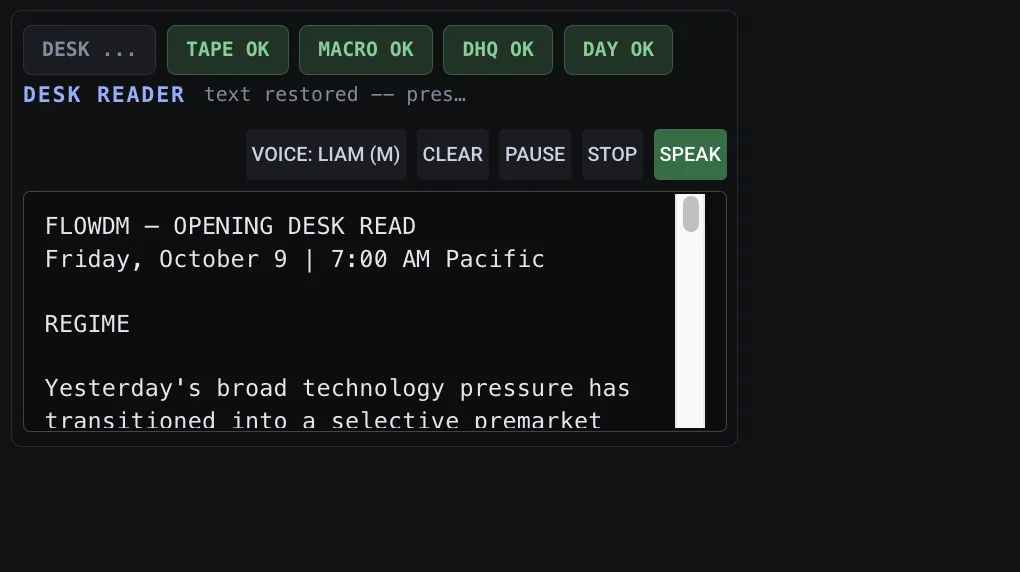
The workflow moves from compiling current information to analysis in your chosen LLM, then back to FlowDM's audio reader.
- 1Compile
Use FlowDM's single-click workflow to compile current market information into a copyable block.
- 2Analyze
Paste the block into your chosen compatible LLM with the Desk Analyst instructions to produce a structured FlowDM Desk Read.
- 3Return
Copy the completed Desk Read from your chosen LLM.
- 4Listen
Paste the Desk Read into FlowDM and start the terminal's audio reader.
- 5Manage
Continue watching the tape while listening, evaluate the evidence, and make your own position-management decisions.
You can listen while watching the tape. When conditions change materially, generate a new read using updated information.
Ask Questions. Challenge Your Thinking.
The formal Desk Read is only the beginning. You can continue the conversation and ask:
- Is this normal price movement, or are there signs of a more significant decline?
- Does the options positioning support what we're seeing in the stock?
- Are the Cross-Macro indicators confirming the direction of the market?
- What evidence would support waiting before adjusting my threshold?
- What would need to change before considering a hedge release?
Your Desk Analyst can help examine conflicting evidence and alternative explanations, including information you may have overlooked.
Your AI. Your Decisions.
The quality of a Desk Read depends on the information provided, its freshness and accuracy, and the model's capabilities. An LLM can make mistakes or misinterpret market data.
Desk Reads are analysis, not personalized investment advice. You remain responsible for evaluating the analysis and making decisions.
You remain the portfolio manager.